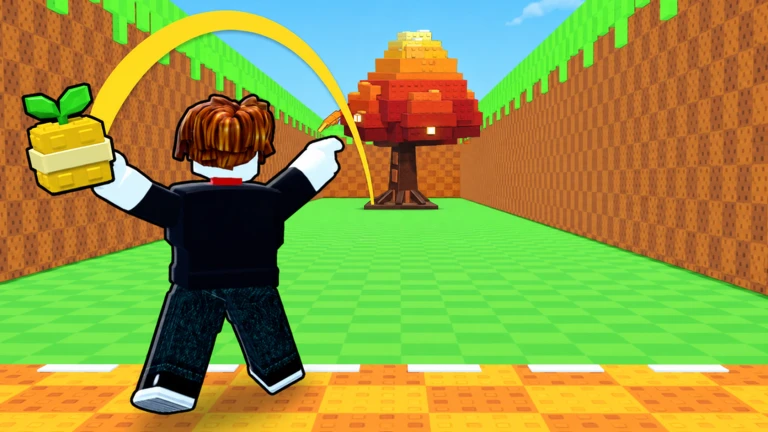
Four systems that shape your results
Use the same seed and Throw Power when testing a new release approach.
- Throw strengthPull-ups build strength for longer throws.
- Release timingWatch the on-screen cue before you tap.
- Seed upgradesStronger seeds improve throw luck.
- Crossed zonesEach zone crossed increases throw luck.
How throwing distance works
In Throw a Seed, throwing involves timing your release and developing strength through pull-up training. The official game description confirms that better timing is part of throwing and that pull-ups build strength for longer throws.
Distance also affects luck. The game advertises increased throw luck based on the distance you achieve and every zone crossed. There are 15 advertised zones, with Meadow and Starlight Glade named as the two ends of the progression.
Practice your throwing timing
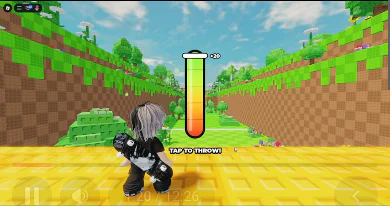
In Raf official TV’s PC gameplay at 1:20, the throwing screen shows a vertical colored gauge and a TAP TO THROW prompt.
Follow the highlighted cue on your own screen, then compare several throws using the same seed and Throw Power. The timing gauge may look different in a newer game version.
Practice with the visible cue
Try this controlled practice drill:
- Choose one seed and keep using it throughout the comparison.
- Keep your Throw Power unchanged.
- Make a throw using your usual timing approach.
- Record the numeric distance if the game displays one. Otherwise, record the visible landing zone.
- Repeat several attempts without changing your seed or power.
- Compare the results to see how consistent your current approach is.
This gives you a baseline before you change your training or throwing approach. Keep it handy when you compare seed and pull-up bar upgrades.
Build strength with pull-ups
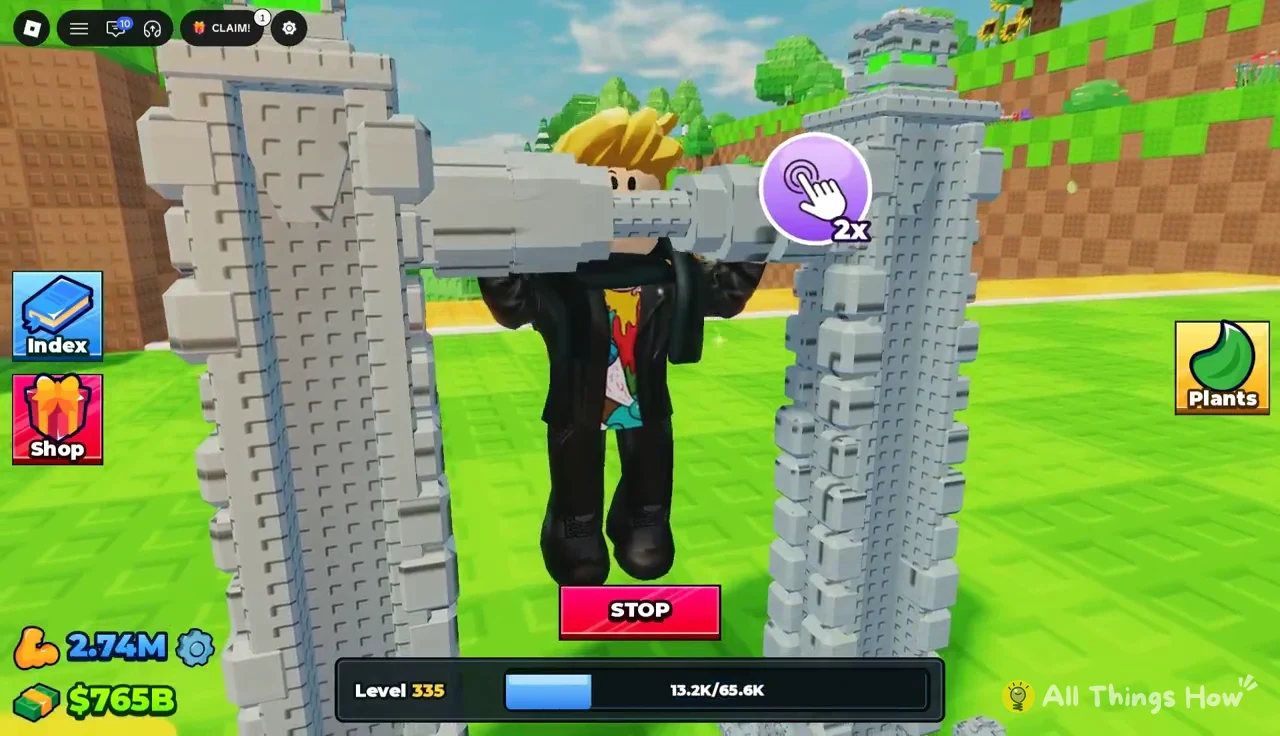
Pull-ups build strength for longer throws. In the PC video at 2:30, you can see XP and the Stop control; at 3:31, the game displays LEVEL UP and Throw Power.
Pull-up bar progression
The developer listing names these endpoints. Check your own shop for the intermediate tiers and prices.
Use the training interface to:
- Follow the displayed pull-up interaction.
- Watch the XP information as you train.
- Use Stop when you want to end the activity.
- Check your Throw Power after training.
To measure the effect of training, repeat your earlier throwing drill with the same seed and timing approach. Compare the landing zone or displayed distance before and after training. This keeps training as the main changed variable.
Understand zone progression
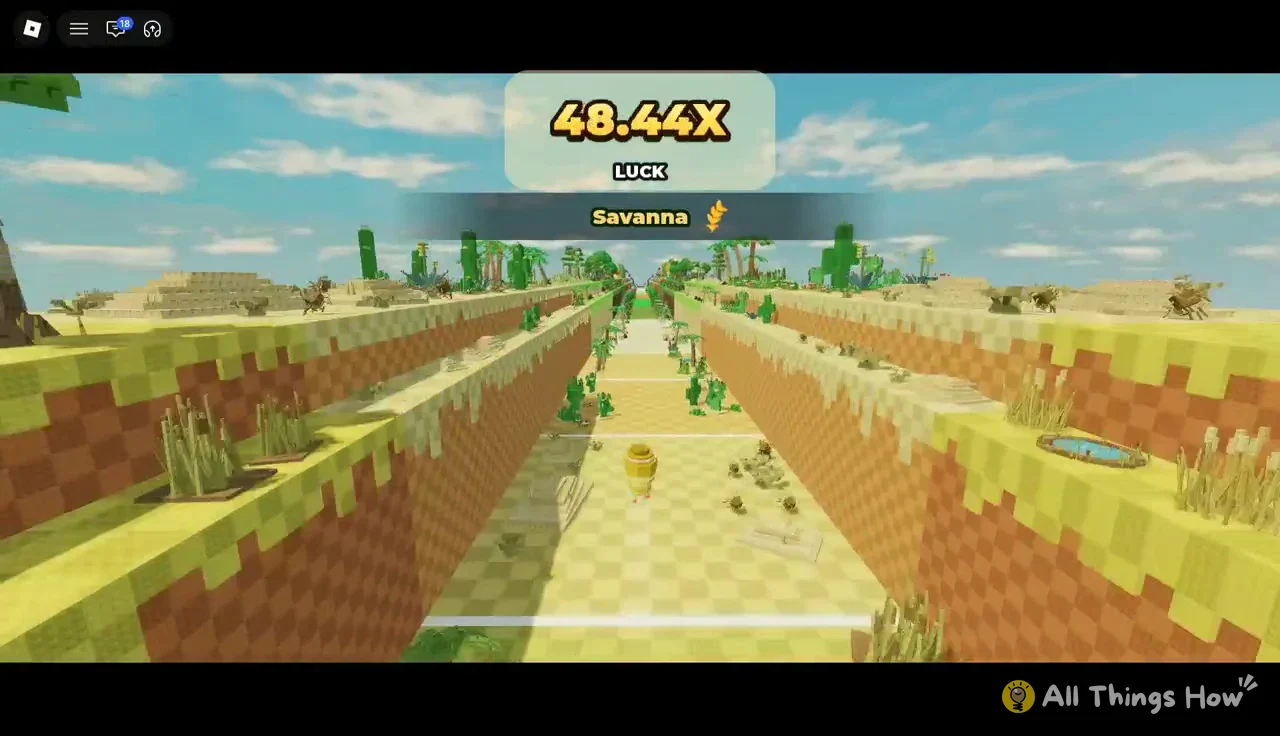
The official description connects both distance and zones crossed with increased throw luck. This makes reaching farther zones relevant to your collection progress as well as your throwing practice.
Throw a Seed advertises 15 zones, including Meadow and Starlight Glade. The PC video at 1:31 also shows a plant reveal. Keep track of the zones you reach and the plants you find; reaching a zone does not guarantee one particular plant.
Additional Zones and the Pull-Up Control
The November 19 All Things How gameplay screenshots show Savanna, Desert, and Swamp in the HUD, alongside the E / Pull-ups prompt on PC. The Luck display can change between throws, so check the number shown during your own run.
Throwing on mobile
On mobile, use the interaction button and timing prompt shown on your screen. The video above shows PC controls; the buttons may appear in different places on a phone or tablet.
For a broader introduction, visit the Throw a Seed beginner guide.
Frequently asked questions
Do farther throws increase luck?
Yes. The official description confirms that distance and every zone crossed increase throw luck.
Do pull-ups improve throwing strength?
Yes. Pull-ups build Throw Power, as shown by the training and level-up screens in the November 2026 PC gameplay.
Is there a guaranteed perfect timing position?
Watch the highlighted timing cue shown in your game and compare several throws using the same setup. A fixed position from another video may not work in your version.